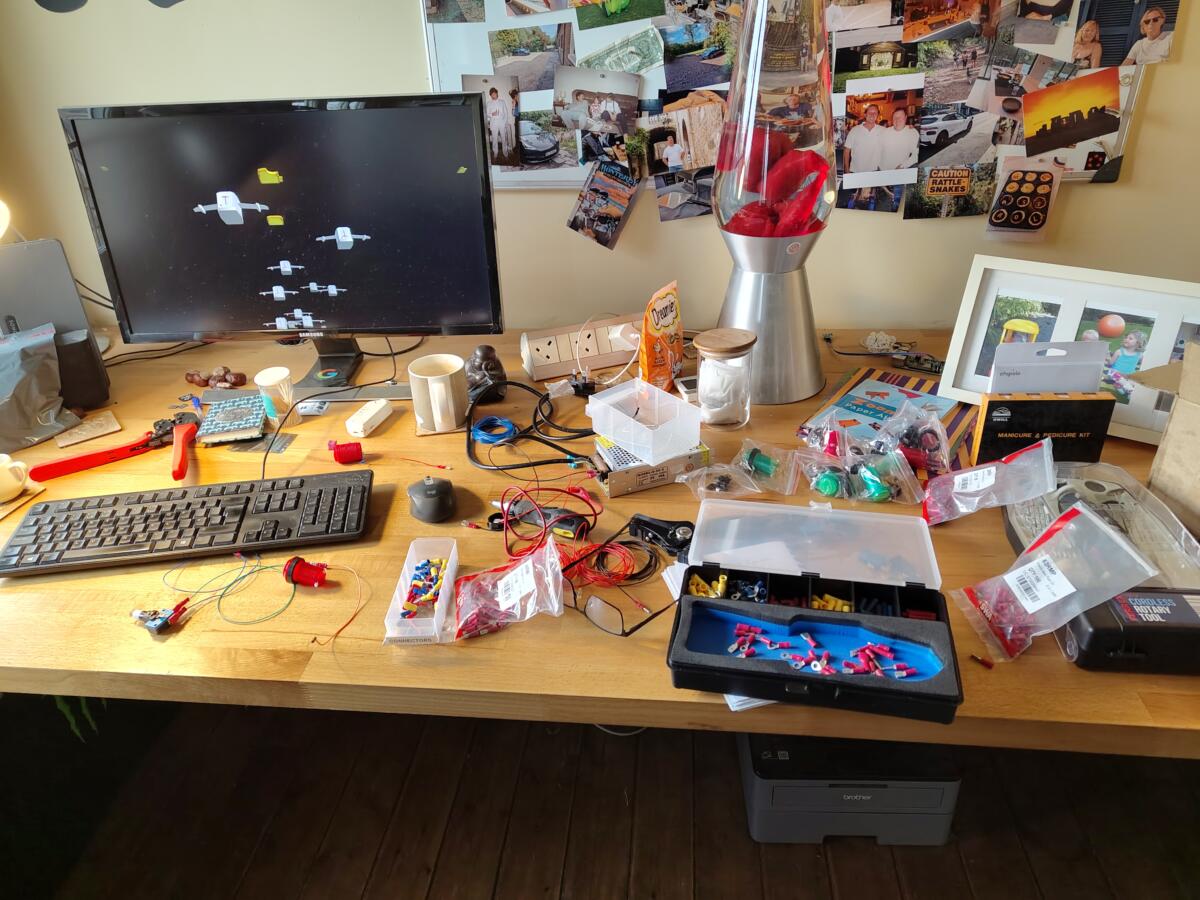
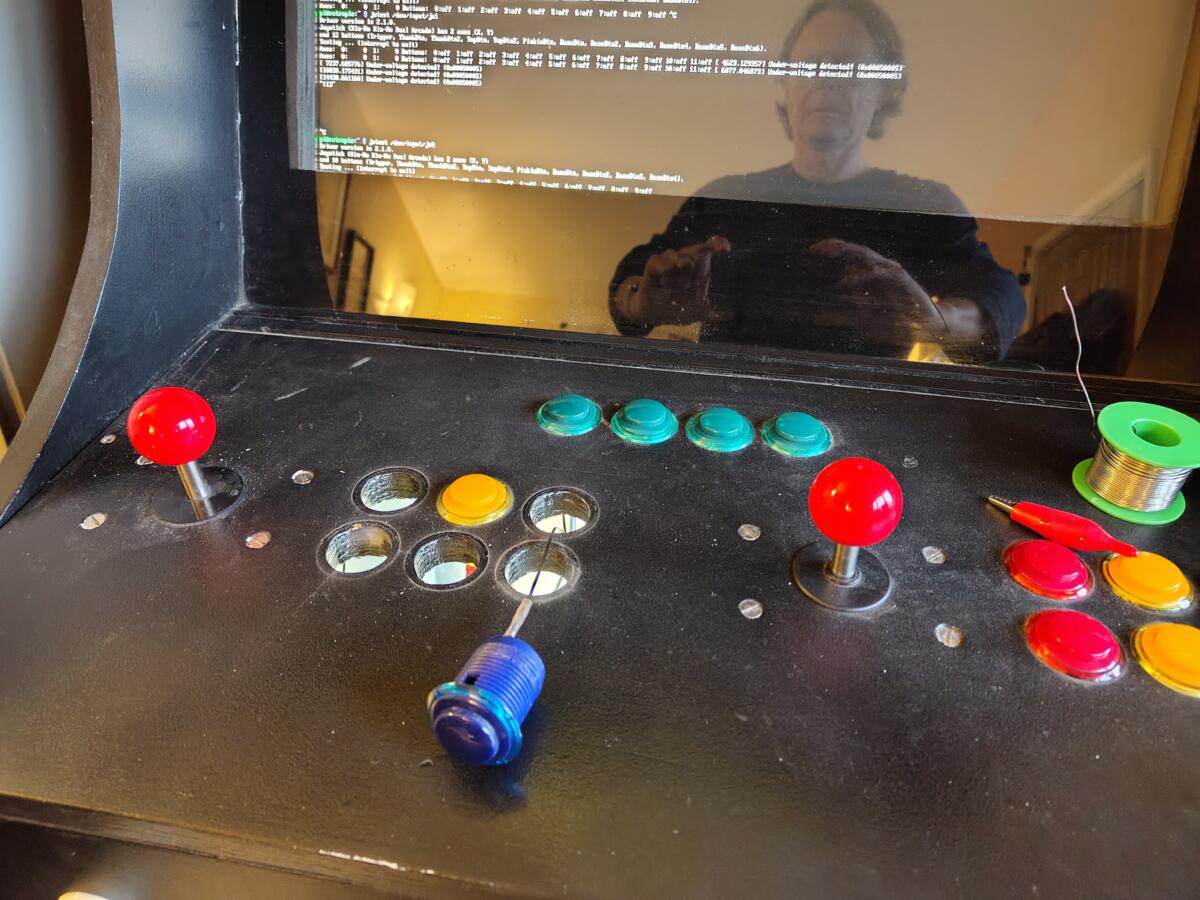
The lighty uppy arcade buttons arrived and I wasted no time in hooking them up to a 240v to 5v transformer that I had laying around.
The scene of devastation that is me mid-project!
After installing the wiring loom of GND and 5V throughout the cabinet I did a quick test.
We have a lighty uppy red button.
The only real problem now is that each lighty uppy button [ I have 16 of them ] now needs four wires, two for the LED and two for the microswitch that controls the button presses. Subsequently, it’s looking a bit of a mess inside the cabinet. Maybe on Arcade Cabinet Part 3 I’ll tidy all that up.
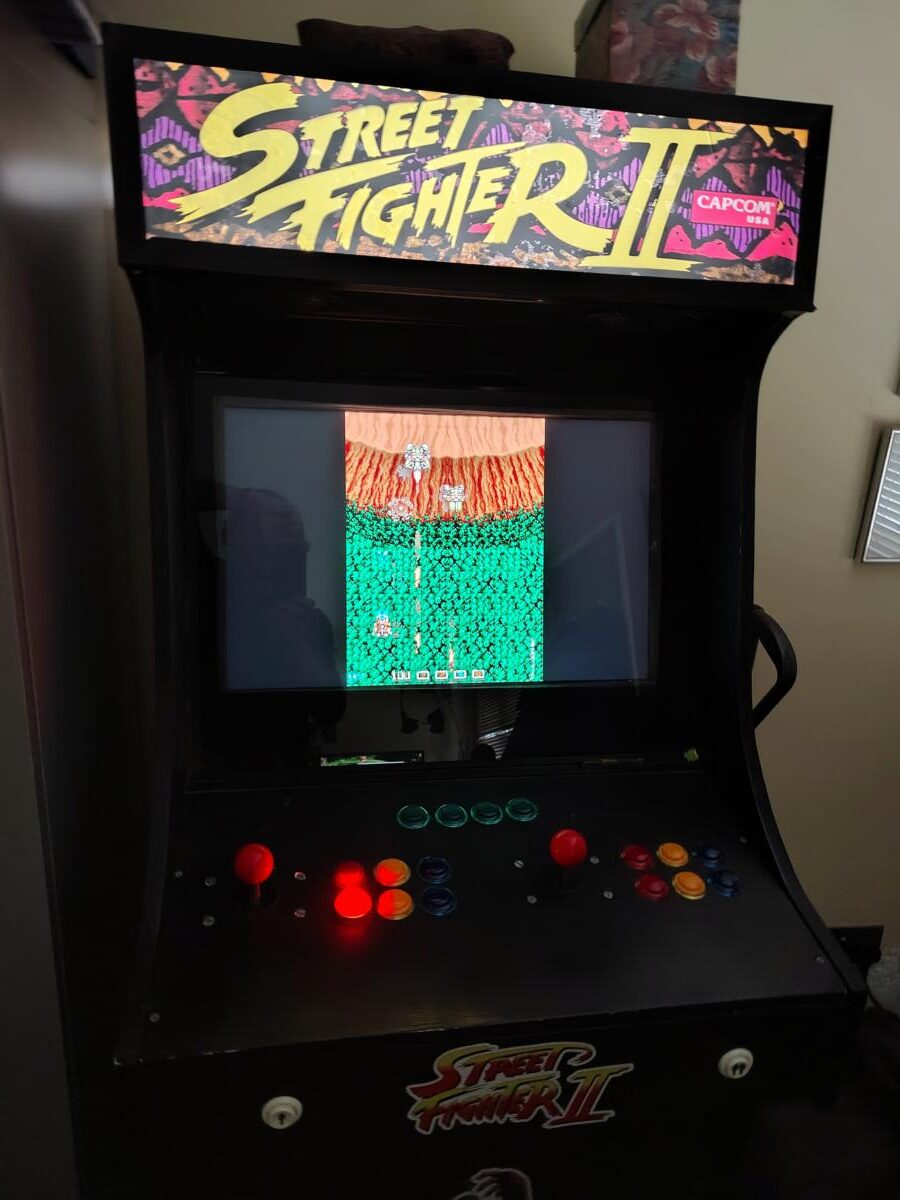
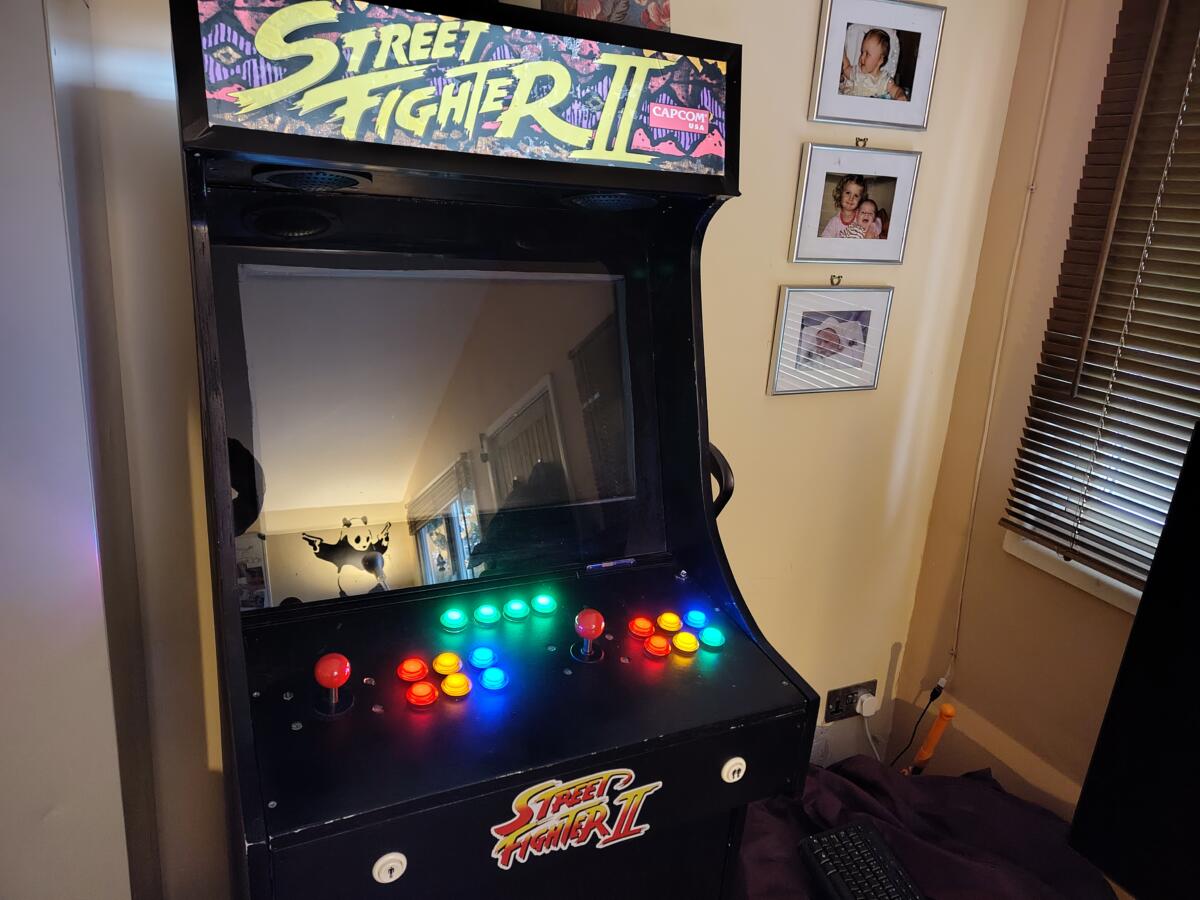
Finally….finally! It’s now ready for the tetris-off. See that bottom right button looks a bit green? It’s because it is. The button people sent me three blue LEDs and a green one by accident. They’ve since sent me out a blue LED but as I write this I haven’t installed it yet.
Yeah so I built an arcade cabinet quite a while ago. I’ve had all sorts of fun and good times with it over the years and it’s now the location of the annual Tetris-off between Charlie and myself. The only problem is when I first built it I didn’t really know what I was doing with the electrics. The earth wiring loom that came with the joysticks was a 4.8mm female spade connector which was absolutely perfect for the joysticks, but the buttons had a 2.5mm male spade. So being the “it’ll do” person that I was I put the 2.5mm spade into the 4.8mm female and crushed it with a pair of pliers. This worked ok’ish. Every now and then a button would stop working and I’d have to go digging around inside and make a repair.
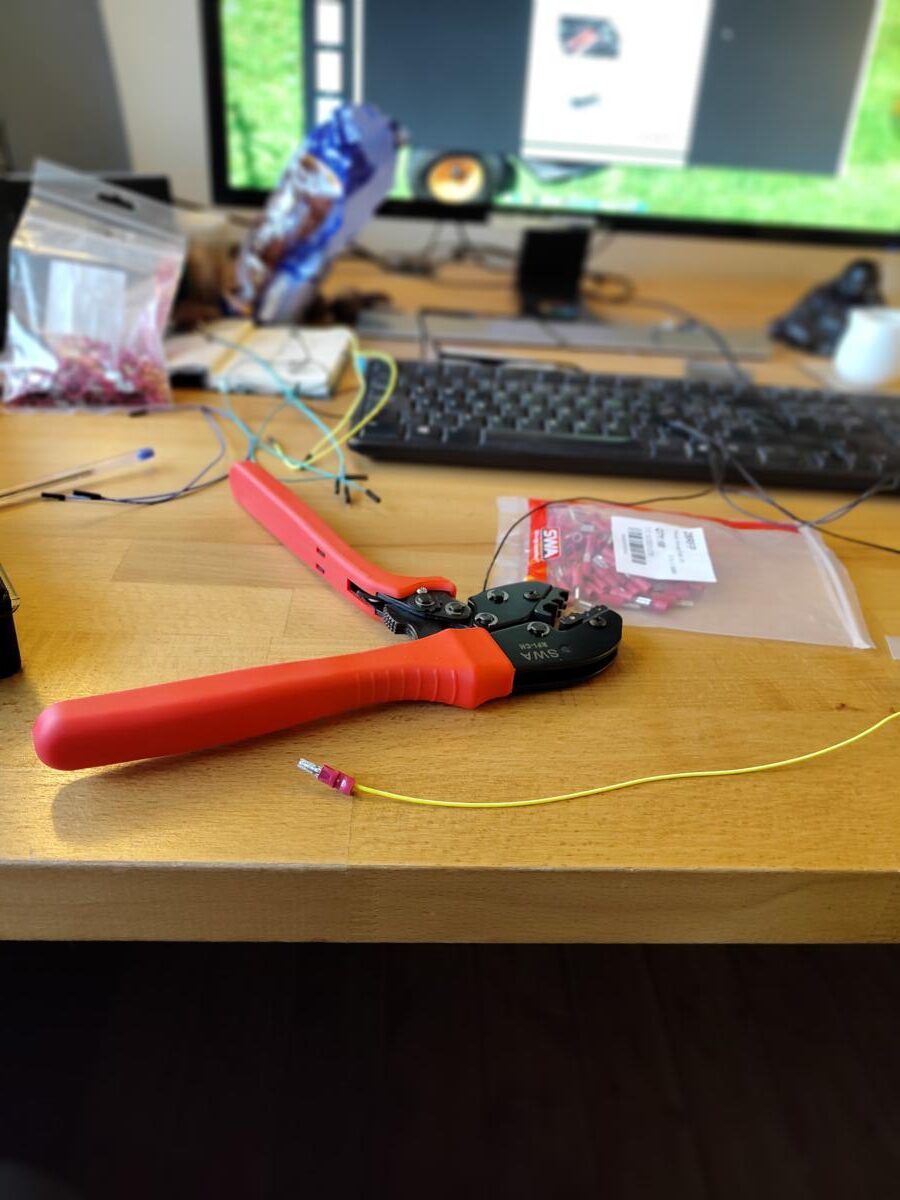
Ratchetting Crimper – beautiful bit of kit
Fast forward to November 2025 and I thought to myself “must do a bit of a service on the arcade cabinet and make sure everything is working for the Tetris-off”. So I fired it up and true to form one of the buttons wasn’t working. So I opened up the cabinet and went inside. Pretty quickly found the dangling wire and reattached it. In doing so I managed to dislodge two more connections and in fixing those connections dislodge some more. I was properly pissed off. Didn’t even need the original broken button for the Tetris-off anyway.
Anyway, given that I’m now more of a man of leisure I tend to do things properly and make sure I don’t have to fix them again in the future.
So out I went to the local electricians shop place which is like a trip to Aladdin’s cave for me, and picked up the new crimper pictured above and a selection of connectors of different sizes. Turns out if I’d gone to an online components shop I’d have saved a fortune but you live and learn…plus I wanted them that day because despite my mature years I’m still an impatient bugger.
I started taking the buttons out one by one and doing a better 2.5mm female spade connection to the 2.5mm male spade connector on the button. Because I’m doing it properly I had a bunch of black wire that I made connections with a 2.5mm female spade on one end ( for the GND connection of the button ) and a 4.8mm male spade on the other end. The goal was to make it easy to identify the GND connections from the signal connections. Incidentally I also used the appropriate coloured wire for the signals, so now the red buttons have a red wire and the blue buttons have a blue wire.
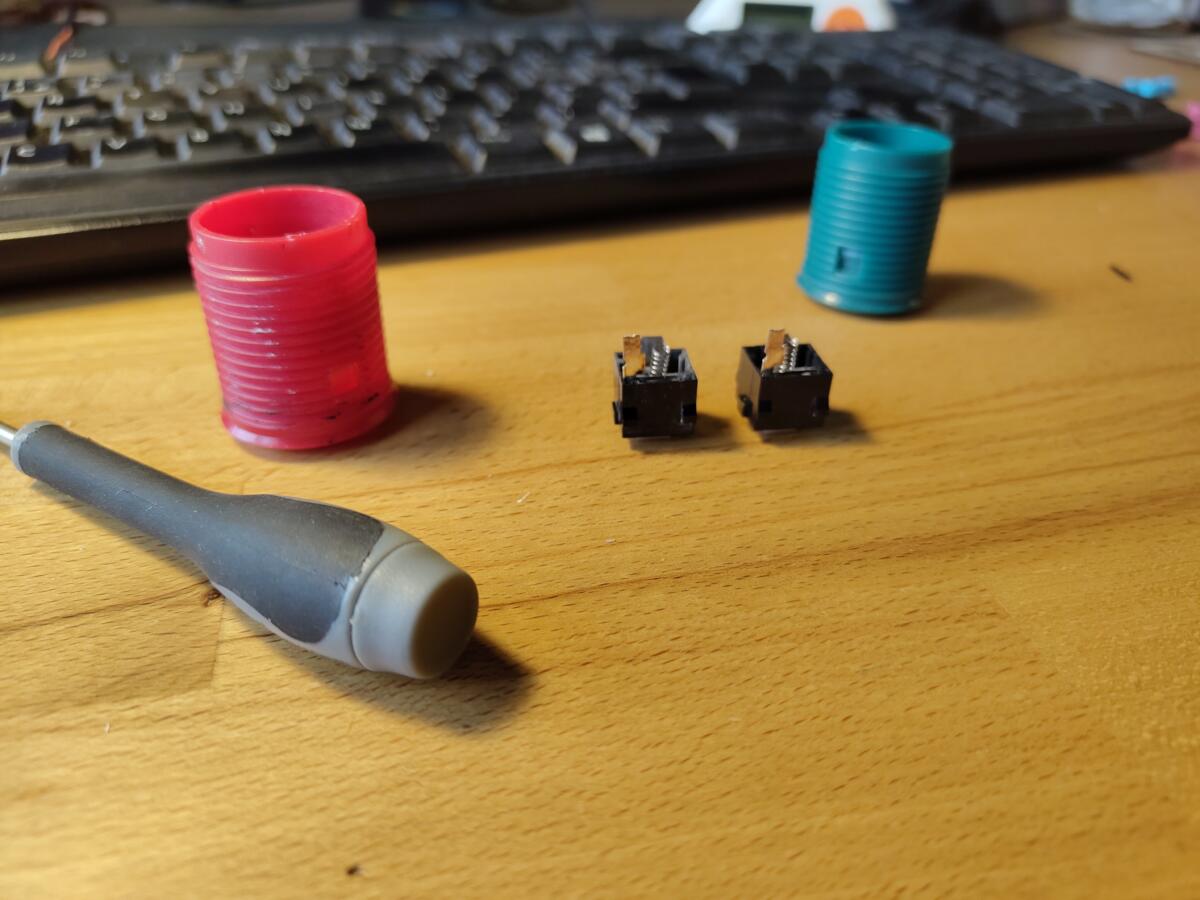
Everything was going swimmingly until I came across a few buttons where the connector snapped off after I disconnected/reconnected it one too many times. They’re pretty flimsy connectors and not really designed to be mucked about with by a clumsy oaf with a pair of pliers. Rather than just buy some new buttons I thought I’d break out my trusty Dremel and my soldering iron and repair them. How hard could it be?
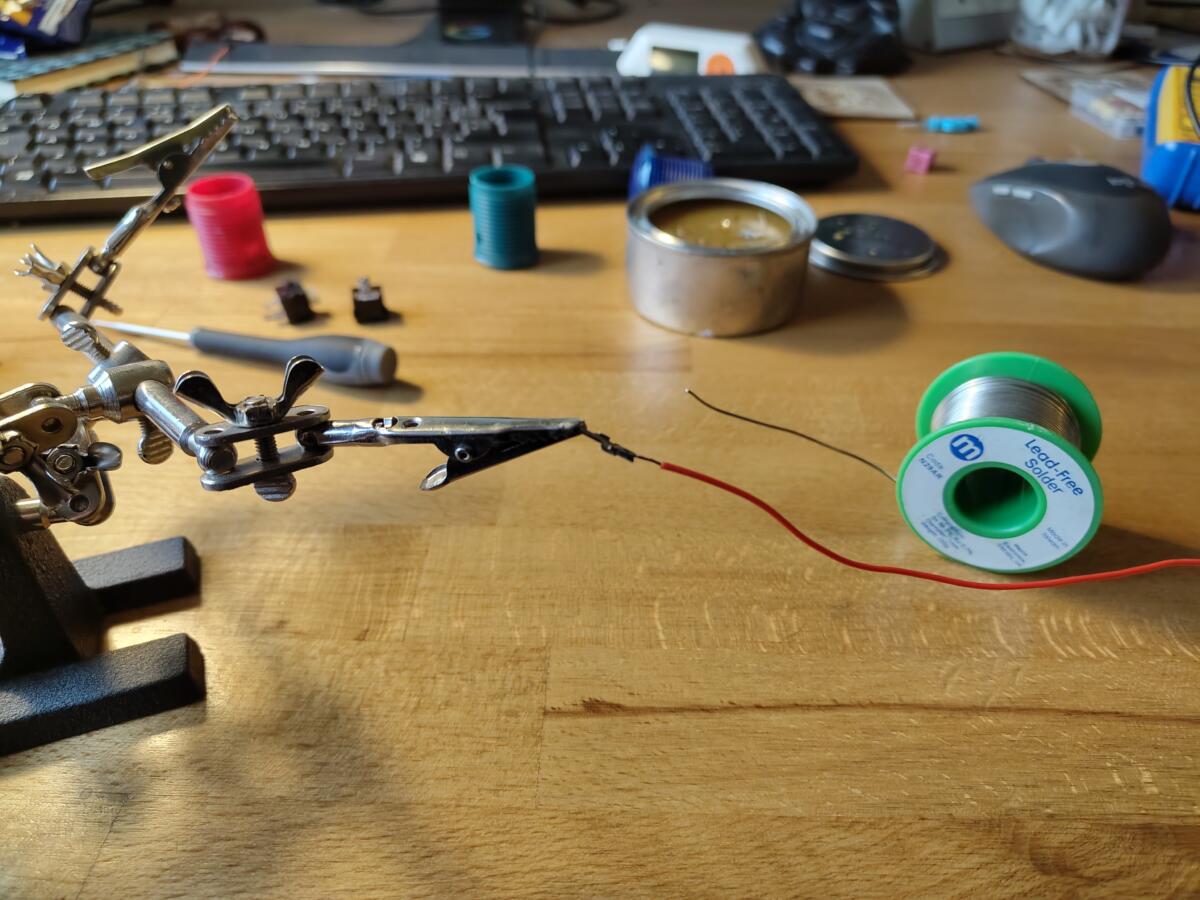
Buttons and microswitchesSoldering up the connection for a red button
Turns out it wasn’t really that hard. I managed to get two of the buttons working again but the green button was properly cabbaged and I’d have to buy a new one. Slightly annoying, but not the end of the world.
Whilst looking at green buttons I saw that you could now get a green button with an LED inside it. God damned lighty up arcade buttons! How had I not heard of these before now? So I ordered four green buttons and four red buttons to give it a bit of a test run before committing to all sixteen buttons.
I like my phones and I’ve always been an Android fan boy. I did spend a bit of time being an Apple fan boy with an iPhone, iPad, Macbook Pro, Mac mini – all that sort of stuff. But then I had a fight with Apple about a keyboard and got kinda sick of the restrictiveness of the Apple ecosystem so switched to Android – never really looked back.
Many Android phones have passed through my ownership and the thing that’s always annoyed me about all phones in general is that in the race for smaller and lighter phones they just became practically impossible to repair. If you’ve read any of the posts on this blog then you’ll know I’m well into repairing stuff. Makes me feel warm and fuzzy inside.
Quite a while ago I dropped my Pixel 6 Pro and cracked the glass case on the back. Everything worked fine so I wasn’t too bothered. But then on occasions as I put my hand into my pocket to retrieve my phone the shattered bits of glass would stick in my finger and draw blood. This annoyed me. So out came a tube of super glue and I put some super glue over the cracked glass and it smoothed it all off and held it together. Unfortunately during this repair some of the glue ran into the USB C charging port which meant I could no longer charge it with a cable. This wasn’t a massively massive problem as I had a wireless charger. It was slow and I had to remember to take the charger with me when I was away for a day or two. Still wasn’t a major problem. Until I reworked my whole home automation type stuff and the IP address for my garage door controller and office heater changed which meant I had to change some stuff in my Android home automation app that I’d written. Made the changes, rebuilt the app and then realised that I couldn’t install it on my phone as the USB C connector was knackered. This was a problem. A big one.
For a while I switched to my Mother’s old Pixel 3A that had a working charging port and I could update my software. All was going well but the camera was a bit annoying. I’d take a picture of something, hear the click and assume it was done only to find the picture took a second or two to take and I’d pointed the camera away from the subject and ended up with several pictures of my crotch.
This would not do.
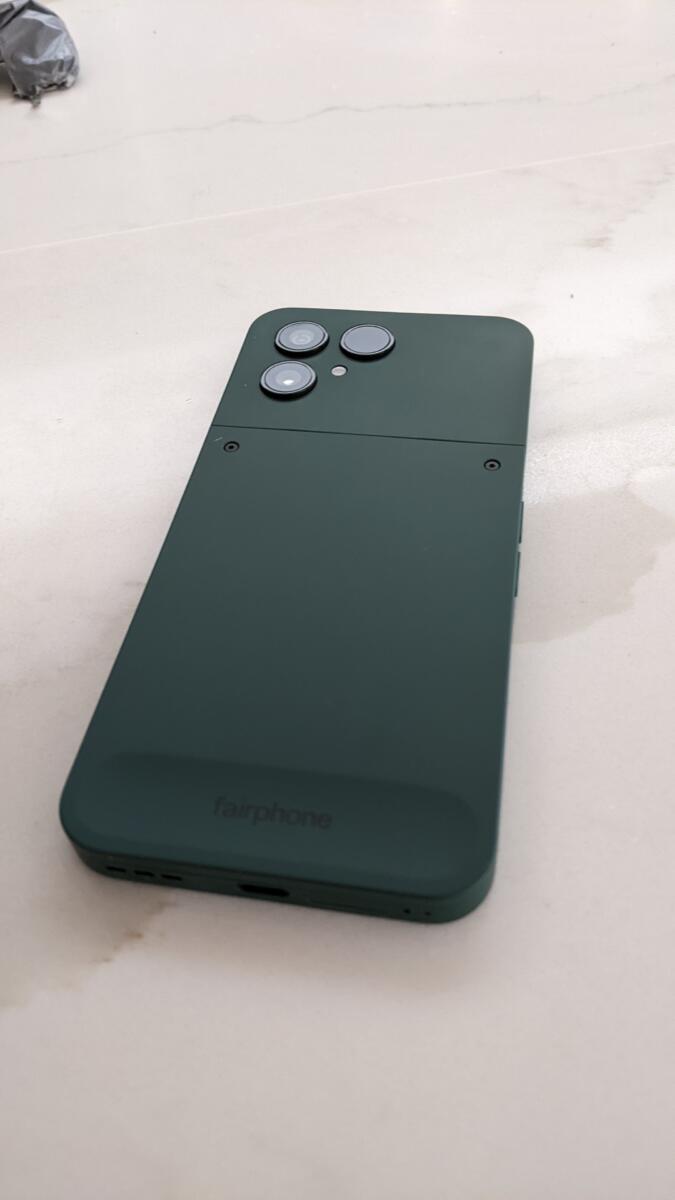
On my travels across the internet I found a device called the Fairphone. Pretty popular in Europe, less so in the UK. There are many great features about this phone. It’s not some crazy power hungry power user top spec processor so the battery would last for a couple of days without charging. Three or four if you’re careful with it. It’s also made with lots of recycled parts and best of all it’s built to be repaired.
See those two screws on the back…
If I was to crack the screen it would cost me £80 to buy a new one and I could replace it myself without suction cups and heat guns and glue guns and all that nonsense. If I was to pour super glue into the USB C port it would cost me £8 to buy a new one and repair it myself. Same goes for the battery…replaceable, camera lenses…replaceable. All sorts of stuff can be fixed on it, with a screwdriver.
Wonderfully happy with my purchase. The average mobile phone lasts for 2.5yrs before ahem it’s ready for recycling which generally means it ends up in landfill. I’m aiming for 5yrs before replacing this fella. It just works. Oh, and the added bonus it was only £450 – which is better than the £950 I was looking at for a Pixel 10 Pro – which is utterly unrepairable.
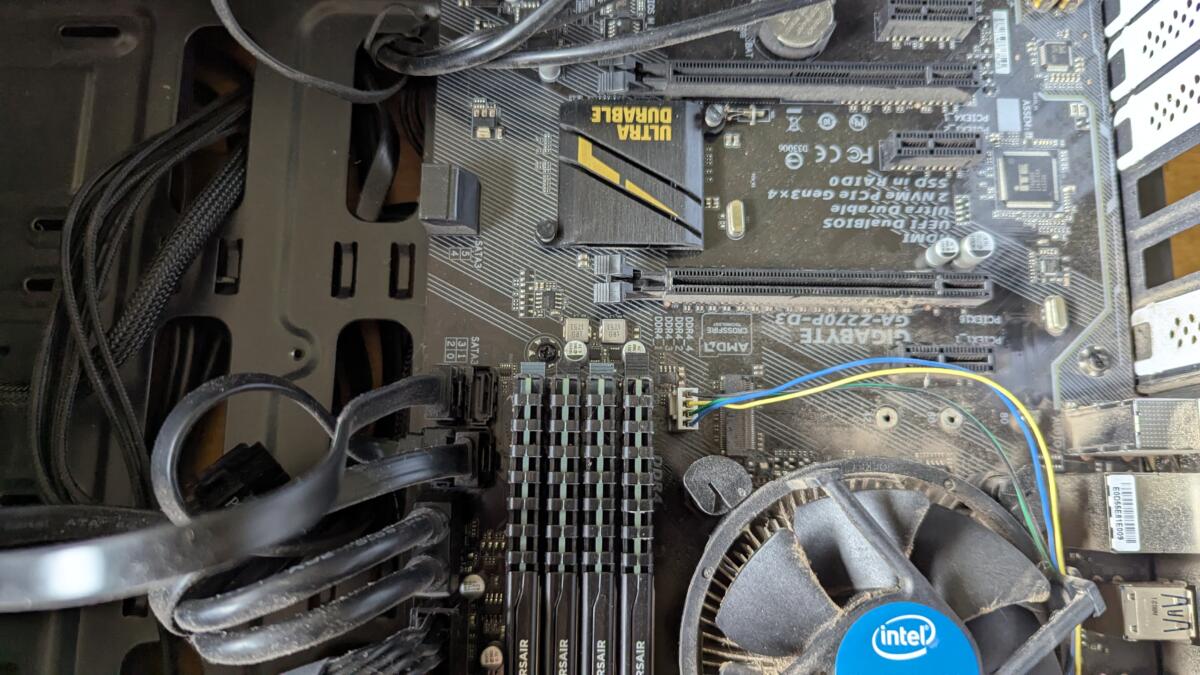
For a long time I’ve wanted to be able to send a “magic packet” from my laptop to my desktop in order to power on my desktop machine remotely. Unfortunately my old ass motherboard didn’t support it which was always a source of frustration.
my old ass dusty motherboard
Then I bought a new Raspberry Pi 5 because they released a new version which had 16G RAM which I desperately needed to build some software. When I bought the Pi I also bought an NVME HAT and a new 1TB NVME. Unfortunately something wasn’t working but I wasn’t sure what was causing the error. So I went ahead and bought a new NVME from Crucial via Amazon and it worked first time. So I knew the NVME was at fault and returned it to Pimoroni expecting a refund. I didn’t get a refund, I got a replacement.
My old ass motherboard had an NVME slot so I thought “oooh, I don’t really need a 4th drive in this desktop machine but I’ll plug it in anyway”. So I took it apart, plugged in the NVME drive, put it all back together and booted it up. Nothing, except for the dreaded BIOS beeps of death. 5 of them – which means something is wrong with the motherboard or the processor. Expensive. “No worries” thought I – I’ll just take out the NVME drive again. Took it apart, removed the NVME, put it all back together. 5 beeps. Damnit.
This desktop machine has been my workhorse for about a decade. When I first got it I absolutely maxed it out. It was beautiful. Silent. Fast. Compiled code in seconds. However, it seems taking a ten year old motherboard and plugging in a cutting edge NVME drive wasn’t a great idea.
I did some research and went for a reasonable Ryzen motherboard with a new AMD processor. £200 for the pair and my existing DDR4 RAM was compatible. The MoBo arrived and I ripped the entire machine apart. Came to put my RAM in and realised the new board only had 2 DDR4 slots – whereas I had 4 8G DDR4 modules.
So I fired it up with 16G RAM. Tried to do a build whilst some background processes were running and ran out of memory. This would not do. I quizzed Oli about his machine and he had 32G made up of 2 * 16G modules. So we swapped. It was a win win. I got 32G again and Oli got 32G but the RAM I gave him was faster than the RAM he had. Since he’s a gamer he’ll benefit from faster RAM – about 50% faster. To me the speed of RAM didn’t really matter so much.
Get to the point Darren!
After a few weeks of my new AMD Ryzen motherboard I once again remembered my goal of being able to do a WOL [ Wake On Lan ] – I did a quick check on the motherboard and it indeed supported Wake-On LAN.
So…..I set up a systemd job to enable Wake-On LAN each time it boots and I can now finally fire up my laptop and run a script which basically does:
wakeonlan <MAC ADDRESS>
and as if by magic my desktop starts up and gets on with doing it’s thing whilst I eat breakfast.
So I now have a slightly faster, slightly quieter desktop again and I haven’t quite got around to testing if the replacement NVME drive works anywhere.
Clouds, silver linings and all that.
But hey kids, in general if your machine is working fine and you don’t need another 1TB of storage then just leave it alone. Put the NVME in the spares cupboard and get on with life. But WOL is cool 🙂
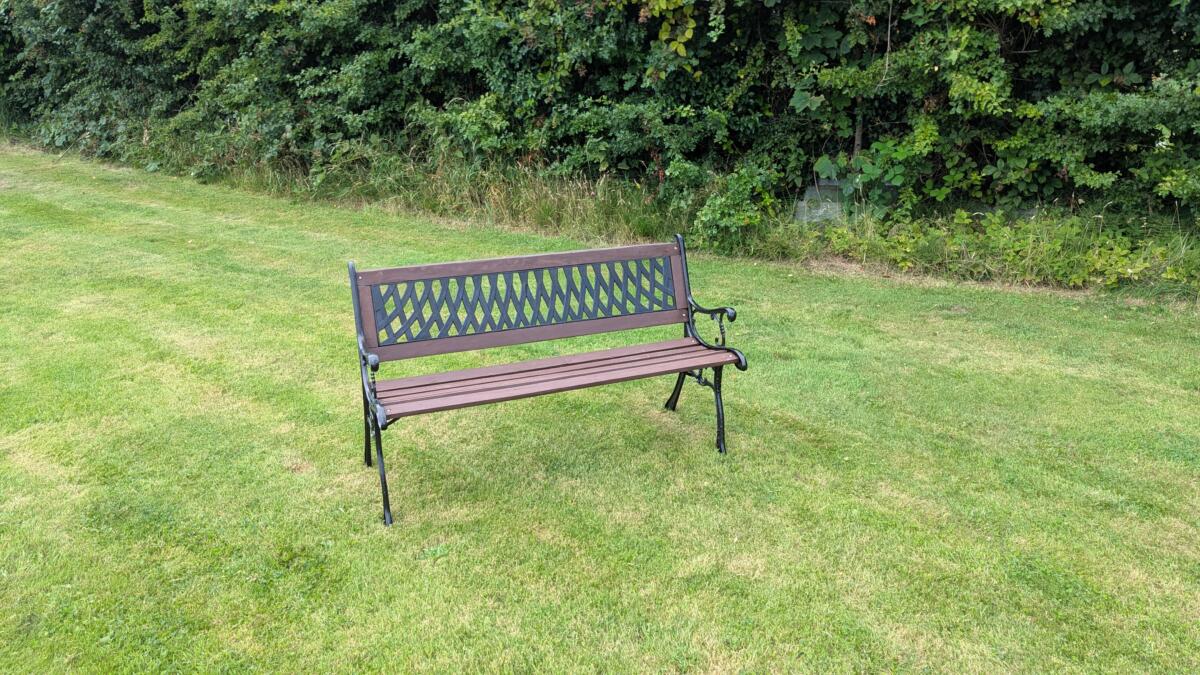
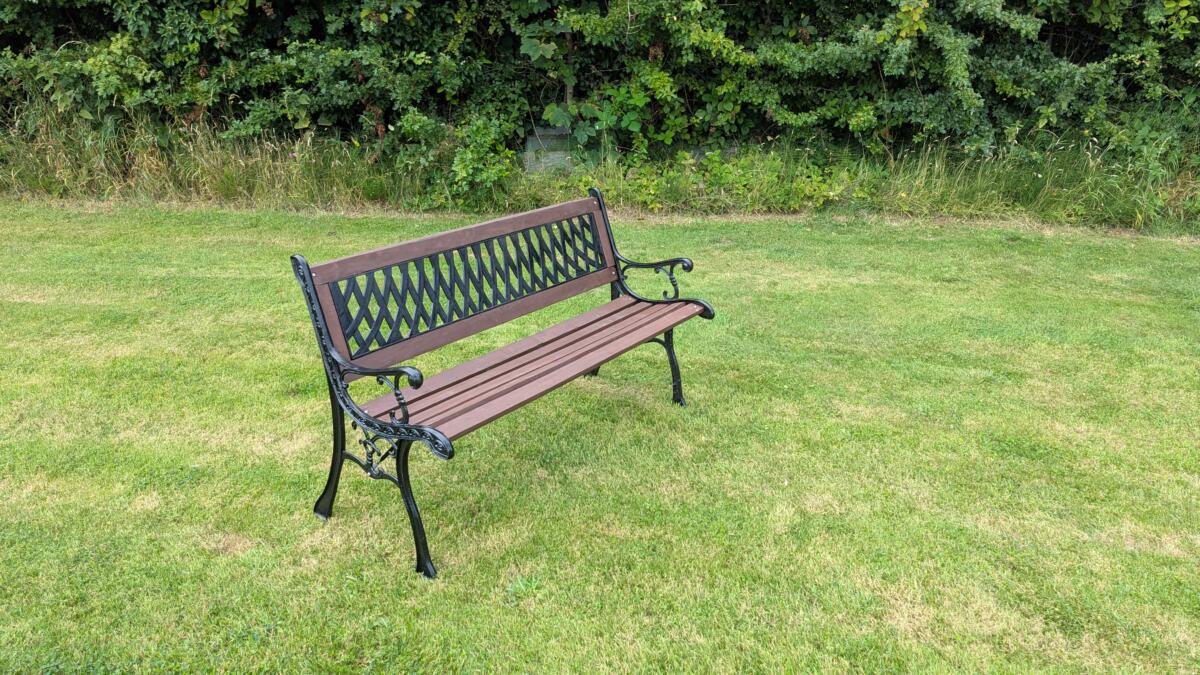
John, my father in law : “Darren, could you have a quick look at our garden bench and give it a quick tidy up?”
Me : “Sure, shouldn’t take long”
2 months later :
Every single screw, nut and bolt was rusted. They all had to be drilled out, chiseled out, or angle-grinded off.
The wood was rotten in a few places so that had to be chiseled out and filled with wood filler.
Two of the slats were too far gone to be saved so I had to go out and buy new slats that were about the right size and then plane them down to be close enough to the originals so that it wasn’t too noticeable.
The metal work was all scrubbed down and painted with some metal paint and then the whole thing had to be reassembled. I think Oli and I may have put the back rest on upside down though.
For quite a while I’ve been suffering from either Plantar Fasciitis or a bit of a bruised heel. No idea which and it doesn’t really matter. It’s bloody painful – sometimes. Anyway, in an attempt to not hobble around like an old man I’ve been taking ze hound for a walk in my trainers for a while. This is fine at the moment in a beautiful British Summer, but I’ll have to go back to my boots in the Winter. Walking in my trainers does seem to have improved things but recently disaster struck.
My sole became disconnected from my heel. I spent the rest of the walk with a funny flapping slapping noise coming from my foot as I hobbled along.
The day it all began
My trainers are currently in my garage waiting for a bit of super glue but I’m pretty sure a bit of plastic or rubber or something fell out of the heel as I walked so I’m going to walk the same route a few times and see if I can find the fally outy bit before committing to glueing the trainers back together
I noticed that my air con didn’t seem to be quite as effective as I thought it should. It could just have been my imagining things as the UK was bloody hot at the time, well, you know, by UK standards. It was either get the air con system re-gassed or put some new air filters in as they may have become blocked. A bit of googling and it seems the air filters should be changed every two years. The car is now five years old and I can almost guarantee they’ve never been done – so that was the first stop.
Order new air filters
Watch youTube video about how to replace air filters
Rip car apart and change filters
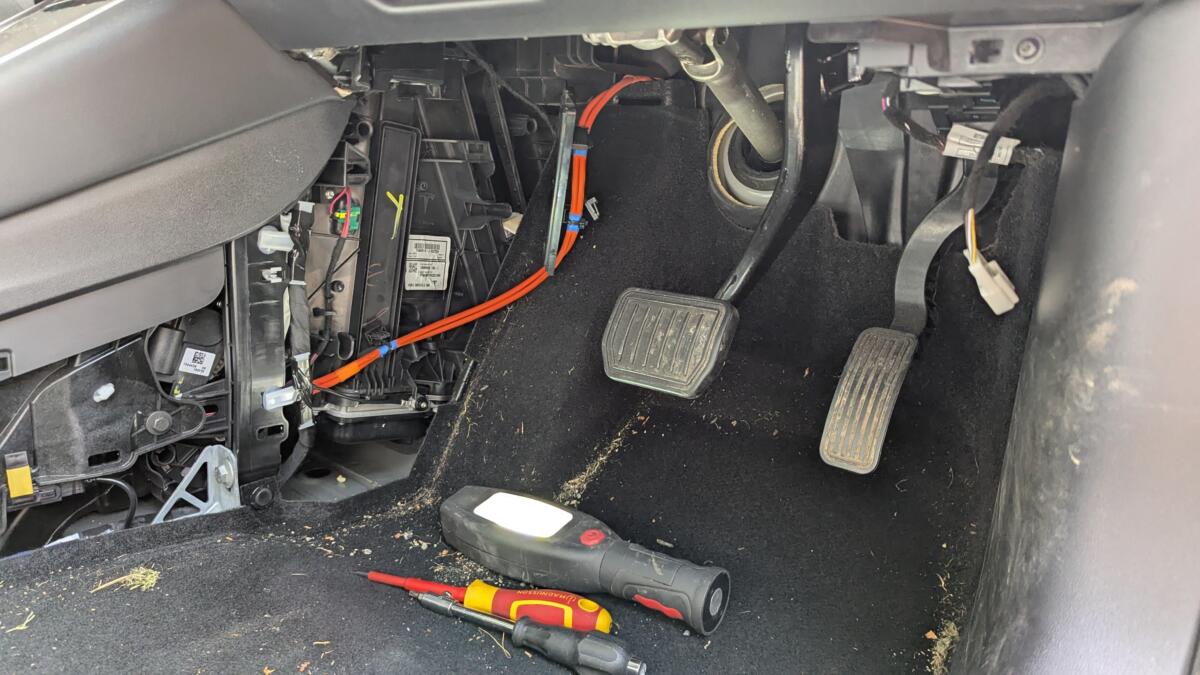
It wasn’t a particularly tricky job, but laying on your back across the door frame looking up underneath the steering wheel to remove some air vent ducting was a trifle uncomfortable.
Air filters replaced. No real noticeable difference in the air con but the UK has cooled down a bit now so no rush. I’ll probably start investigating re-gassing the system soon. Maybe it can wait until Spring – we’ll see